Android Auto: 17 essential apps every driver and passenger needs
Android Auto apps make driving experiences easier and more fun by offering music, navigation, and communication features on your car’s screen. You’ll connect your phone to the display via USB orwireless adaptersto use them.
Not all apps on the Play Store work directly with Android Auto, but plenty of great options still exist—and new ones always pop up.Popular choices for road tripsinclude Google Maps and Spotify, but others provide more outside your drive. If you need recommendations, here are the top options.

Hey Google, how’s the traffic to work?
What you’ll need to get on the road
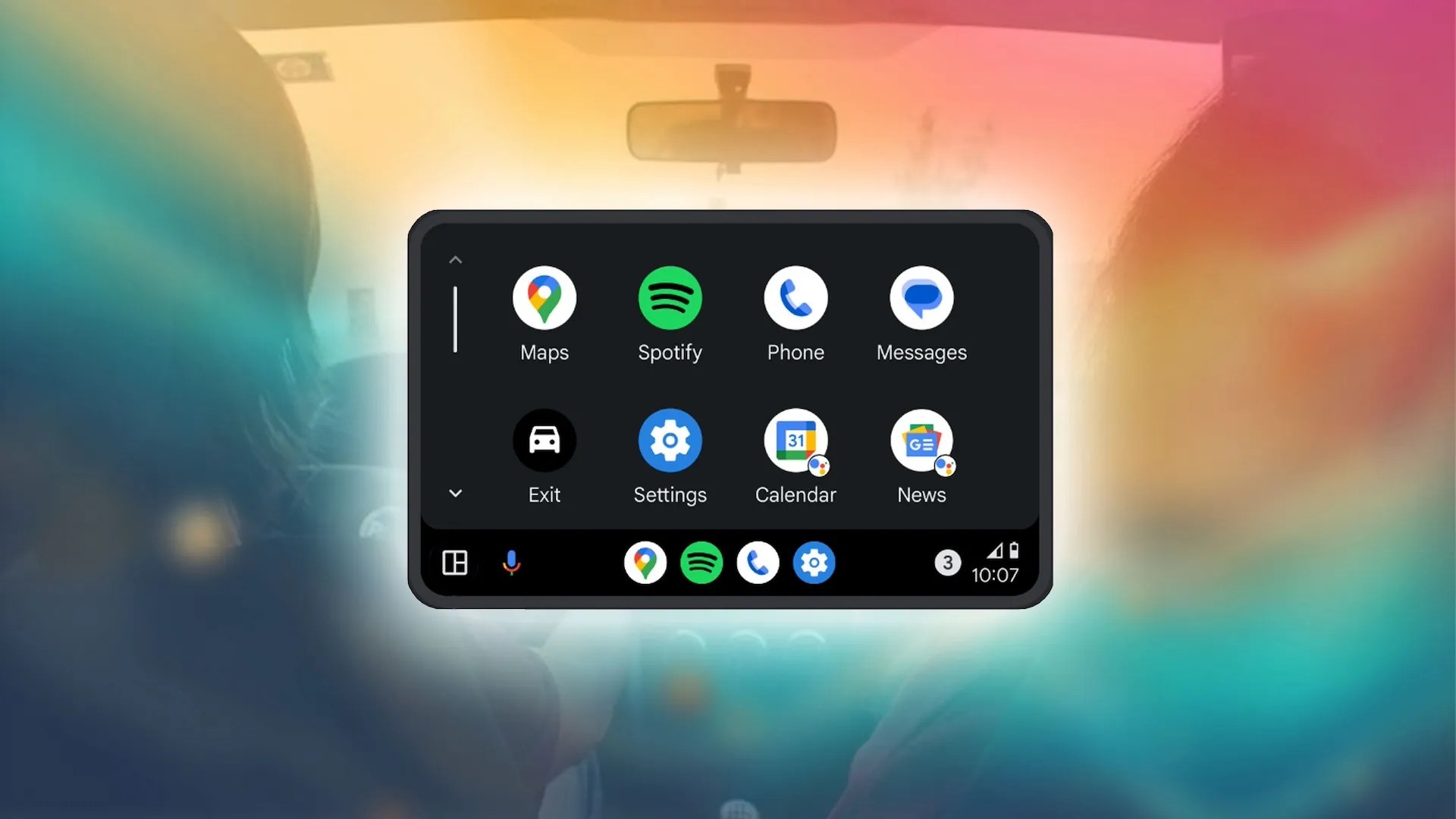
Google’s various automotive platformscan be confusing, but we focus on Android Auto when it comes to apps. Android Auto connects to your car’s infotainment system to display compatible apps, making your commute safer and more enjoyable while limiting distractions.
Android Auto’s UI and home screen app launcher should feel familiar to Android users. The setup is easy. Connect your phone to your vehicle’s charging port with a USB cable or Bluetooth and follow the directions on your car’s display. Alternatively, use a wireless adapter to avoid wires.

When Android Auto is up and running, you can answer phone calls, use voice commands to ask for turn-by-turn directions with “Hey, Google,” and listen to incoming text messages. You can also tap the microphone on your in-dash display. Android Auto offers a great hands-off experience, making it safer than looking at your small phone screen on a stand.
Google introduced wireless Android Auto in 2018, but only a limited number of cars support it natively without an adapter. If you’re looking for a car with this feature, check Google’slist of compatible vehicles.
1Google Maps
Accurate navigation with helpful information
In-app purchases
Subscription

ChromeOS support
Publish date

Sep 23, 2008
Google Maps is the top choice for Android Auto, offering accurate, turn-by-turn directions. With Google Assistant, simply press the voice button on your steering wheel, say an address, and your car’s display will show the details. It’s free, always updated, and doesn’t require a subscription. The app also adapts to ambient light, automatically switching between light and dark modes based on your car’s sensors.
Additionally, it detects and reports speed traps and accidents, prioritizing you and other drivers' safety.
2Facebook Messenger
Easy messaging with loved ones
Jan 30, 2014
For all its issues as a social network, Facebook Messenger remains a popular messaging service. you’re able to send messages through voice commands and listen to replies read aloud while keeping your eyes on the road. If your friends migrated to Messenger, you don’t need to rely on basic SMS messages to reach out while commuting. The Messenger app, which remains an Android Auto exclusive not found on CarPlay, is a must-have app.
3Scanner Radio - Police Scanner
Stay aware of road emergencies
Nov 11, 2019
Police scanner appsaren’t for everyone. Still, they’re helpful in unfamiliar areas. Instead of waiting for Waze or Google Maps users to report road issues, you can tune into emergency radio channels to stay ahead of any traffic disruptions. It’s also useful if you spend a lot of time on the road. While it won’t replace your usual playlists or podcasts, they’re a valuable addition to your smartphone.
4Spotify: Music and Podcasts
Audio experiences in one app
May 27, 2014
Spotify is among thebest streaming services, and combines music with podcasts. Its library of artists and shows is enormous, with podcasts exclusive to the service. Pair this with Google’s voice commands, and you’ll jam to the tunes hands-free while driving. Spotify has expanded to audiobooks, so it’s perfect for longer solo road trips. Spotify’s highlight is its starting price. If you don’t mind some ads, you don’t need a premium subscription.
Encrypted messaging across devices
Sept 6, 2013
If you use Telegram to communicate with friends and family, its Android Auto UI is a lifesaver. Sending messages is quick, fully encrypted, and synced across devices, allowing you to pick up where you left off. You can also delete your messages at any time. Plus, the app is constantly updated with new features. Telegram works well with Android Auto and Google Assistant, so you can drive hands-free.
6Audible: Audio Entertainment
Countless audiobooks in your hands
Aug 12, 2010
Commuting is a great time to listen to an audiobook, and with Audible’s Android Auto support, you may launch into a new read from Android Auto’s UI.
Amazon owns Audible, so the audiobook selection is virtually endless. you may purchase audiobooks packaged with your e-books on the Amazon store, which is a great way to save on Kindle and Audible purchases. The app offers convenient features that make it easy to pick up where you left off and replay something you missed while distracted.
7Fuelio: gas log & gas prices
In-depth information about gas stations
$1.69 – $9.99 per item
Aug 4, 2011
Fuelio helps you find the cheapest gas stations, whether you’re close to home or traveling. It also tracks your gas usage, mileage, and spending over time. However, it lacks social features in the Auto UI, so you can’t share gas prices unless Fuelio can access them from Google. While it may not be something you use daily, Fuelio is a useful tool for saving money at the pump.
8Waze Navigation & Live Traffic
Helpful real-time navigation
Although most people use Google Maps, Waze is an excellent service. Its best feature is the ability to crowdsource information. Anyone can report accidents and road delays that the rest of us can see with minute-to-minute information. Despite a lack of offline support, Waze offers accurate real-time traffic, thanks to the work of its users. Plus, the app integrates well with Android Auto and supports voice responses.
9Pocket Casts - Podcast Player
Curate your podcast collections
Mar 6, 2011
Pocket Casts is a mainstay if you’re looking for a dedicated podcast app. Thanks to its intuitive UI and queuing feature, which makes it easy to set up a list of podcasts to listen to, the app is perfect for long drives. It plugs into Android Auto just fine and syncs with Assistant, ensuring your hands remain free even if you wish to change what you previously set up. If you want control over your library for your commutes, Pocket Casts is a great place to start.
10TomTom GO Navigation
Navigate smarter and faster
Mar 24, 2015
TomTom has been into satellite navigation since 2004, and the company offers a handful of apps on Android, including TomTom GO Navigation. you’re able to trial the full-featured navigation software for 30 days; if you like what you see, a monthly subscription is $5, six months is $16, and a year is $25. Offline maps, lane guidance, real-time traffic alerts, and turn-by-turn navigation are supported.
But if you don’t want to pay for directions, just use the free option calledTomTom AmiGO.
We want to hear from you! Share your opinions in the thread below and remember to keep it respectful.
Your comment has not been saved
Hi, thanks for this list ! As newbie in android auto, I’ve got 2 questions:
with tuneln radio on Android auto, is it the car radio hardware which is used or the smartphone one? I try to find a way to have Waze on the main screen and the FM/DAB+ car radio information on the small widget screen.
when I use Waze (or gmaps) outside of android auto on my smartphone, the speed notified is the ‘gos’ speed, different for the car speed. With Waze (or gmaps) on Android auto the speed notified is the same than the car one, is there a way to retrieve the ‘gps’ speed which is more realistic? Thanks Philippe
Our compatibility list for cars with untethered infotainment
The note-taking app I should have used all along
I found the only AI photo app worth keeping on my phone
You can now learn languages too
An advanced, compact, purpose-built device
It’s never been cheaper
