How to Access Wikipedia Without Ever Leaving the Linux Terminal
Hardcore Linux fans spend their lives on the command line. From inside a terminal, you can do virtually everything—to the extent, that many don’t even bother installing a desktop environment.
Sign up forfree
Forgot your password?
Create an account
*Required: 8 chars, 1 capital letter, 1 number
By continuing, you agree to thePrivacy PolicyandTerms of Use.You also agree to receive our newsletters, you can opt-out any time.

wikit Is a Terminal-Based Wikipedia Summary Reader
wikit is the brainchild of Kory Schneider and is described as “A command line program for getting Wikipedia summaries easily.”
With a simple command along with some optional flags, wikit will pull everything above the table of contents and display it in your favorite terminal emulator. There’s no need to open a browser, or even have a browser installed. Or a GUI for that matter.
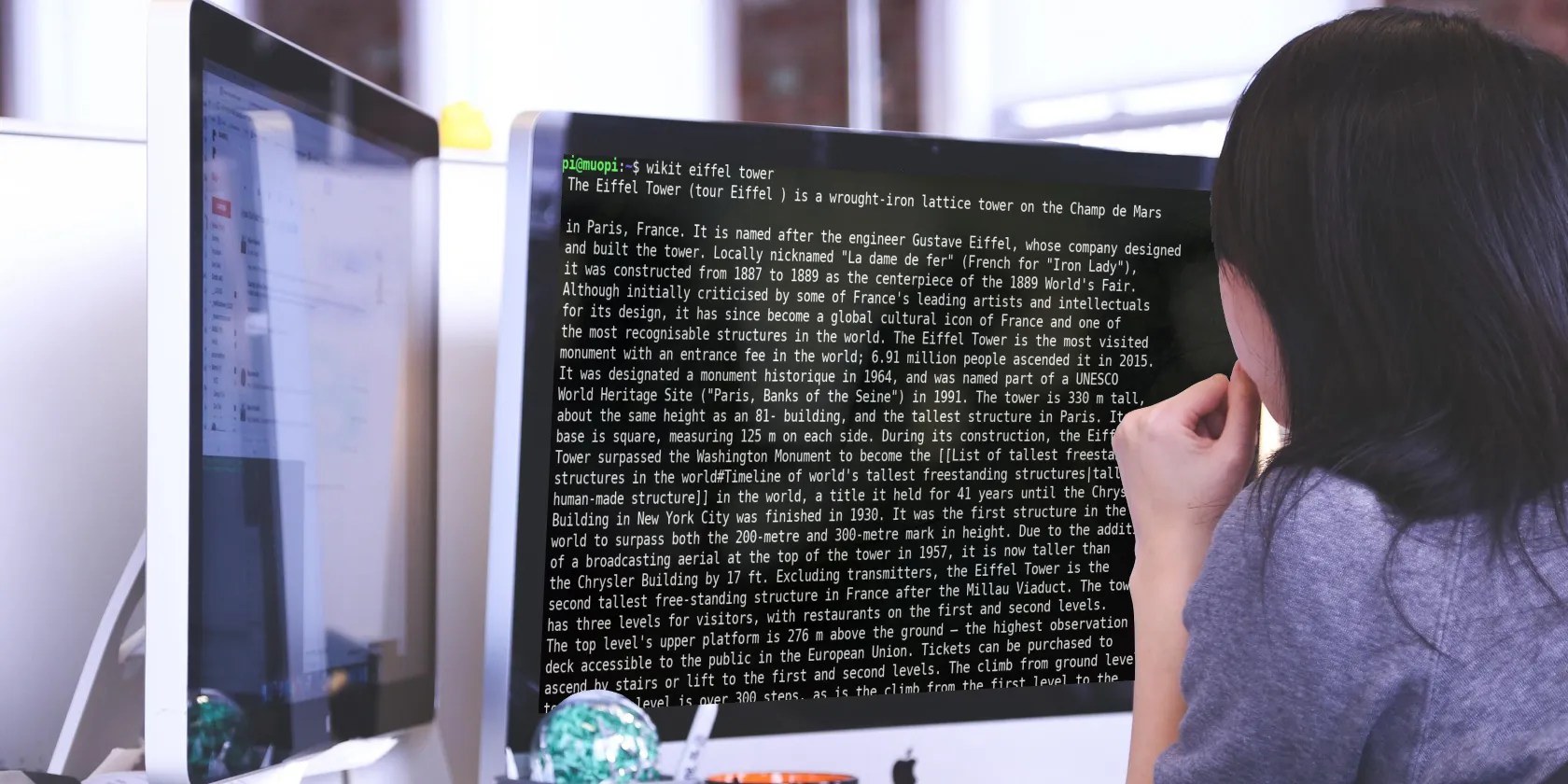
wikit is especially useful if you have limited bandwidth, as opening a Wikipedia entry in a browser will load a bunch of HTML, along with several hundred kilobytes or even megabytes of images.
It’s also handy to read Wikipedia summaries in a terminal if you’re connected to a Virtual Private Server or a headless Raspberry Pi.

How to Install and Use wikit
wikit relies on JavaScript andNode Package Manager, if you don’t already have them installed, then run the following command forDebian-based systems:
On Fedora-based machines:

For Red Hat-derived distros:
You should be aware that installing npm and JS, will necessitate a download of around 500MB.

Now you can use npm to install wikit:
Using wikit is simple, just type “wikit” followed by your query. Quotes are not required for multi-word queries. For example:
…will result in the following output:
You can change the line length of the output with the–lineflag.
…will set each line of output to 72 characters.
If you’re intrigued by the wikit summary and want to know more, adding-bwill open the full article in your default browser.
A full list of useful flags is available on the project’sGitHub page.
An Easier Way to Read Wikipedia in the Terminal
wikit is certainly handy if all you need is a quick summary, and it certainly fulfills the Unix philosophy of doing one thing and doing it well.
But for many, a mere summary of a Wikipedia article isn’t enough, and they may loathe opening a desktop browser.
If this is the case, you can use a text-based terminal browser such as Lynx to access Wikipedia and search directly.
Lynx is available in the default repositories, and may even be pre-installed on your system.
To use it, type:
…then pressgbefore inputting the URL.
wikit Satisfies Your Curiosity and Keeps You on Task
It’s easy to become distracted when working. An idle thought can grab your attention and demand satisfaction. wikit means that you can satisfy that craving for knowledge without going too far off task or opening a browser and risking the rabbit hole of Wikipedia link surfing.
Wikipedia remains a great source of knowledge, and if you’re determined to waste a day, there are tools to help you find great articles worth your time.
Wikipedia hasn’t changed much since it was introduced two decades ago. But it’s possible to make it better and enjoy it more with these free apps and tools.
You’re conveying the wrong meaning when you send these emojis.
Love fades, even for the best open-source darling.
These plugins will make you wonder why you used Photoshop in the first place.
I found my TV was always listening—so I shut it down.
you may’t call this offline, Notion.
