How to Correct Errors in a PDF Invoice
You would have seen many PDF files and using PDF invoices for your product or services. But if you get worked up at the sight of incorrect PDFs, we have some good news.
You can edit PDF invoices yourself—with the right tools and apps, you can do it easily. So let’s explore a few ways to correct errors in a PDF invoice. You’ll find it handy and productive to do so.

Why Would You Want to Edit a PDF Invoice?
Whether you’re a professional offering a service, a designer, a content creator, or a business owner—there can be many reasons for editing your PDF invoices.
Maybe the invoice amount could have been entered incorrectly or not updated as per your new rates. It could be that you’ve launched a new company logo and moved to a bigger office. You would surely want to add that logo and new address to your invoices.
Also, when billing a new client, you could edit an earlier PDF invoice instead of creating another one from scratch. Or perhaps your customer or client has asked you to correct his address or email in the invoice.
On the other hand, you, as a customer, would like to correct your contact details in the invoice billed to you for your records and tax purposes.

Whatever the reason, you can edit a PDF invoice with the right software. Let’s explore how.
How to Correct Errors in a PDF Invoice With a PDF Editor
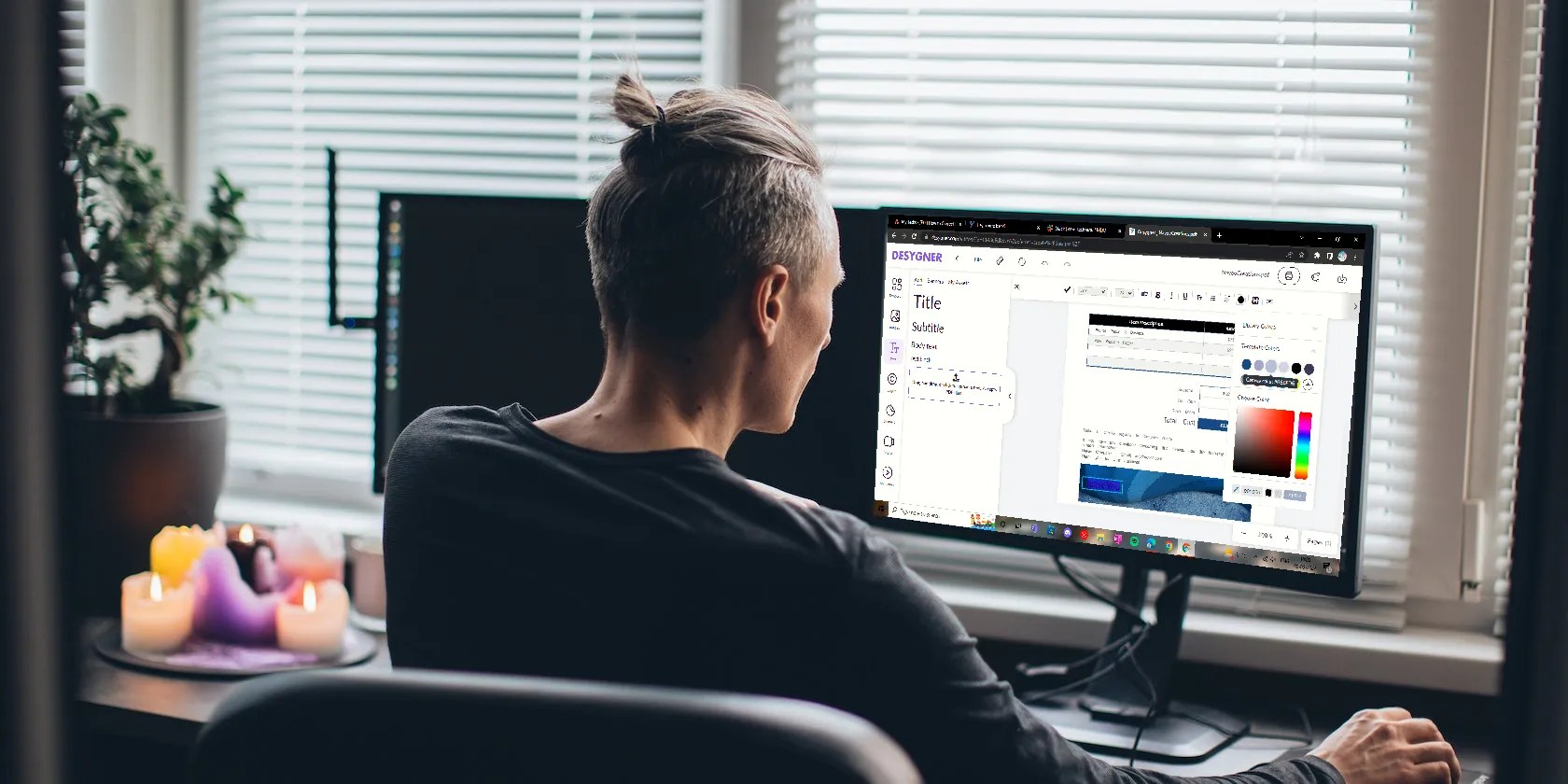
Even though PDFs are a little hard to edit, once you have the right PDF editor, you can easily change the text and images too. For this tutorial, we will use Desygner, a great pdf editor and design tool that comes with a free 14-day trial. Desygner lets you edit each element of your PDF file. Here’s how:
Go toDesygner.com/pdfeditor,click onTry for Freeand sign up. Click on theMy Designstab at the top of the home page. InMy Designs,clickImport PDF Filesto upload the file from your PC or drag and drop the invoice.

Click on thethree-dotsmenu at the bottom right of your PDF. Then clickEditto open the editor.
In the Desygner editor, you’ll see that every element of the PDF Invoice is editable—text, fonts, images, colors, and even layers.

Make changes to your PDF Invoice. For example, as you can see in the screenshot, the design of the masthead is copied and pasted below for a new look, then theThank Youtext was added to it.
Also, the invoice No., you’re able to change item descriptions, amounts, and even the font. In this way, you can edit anything you want in your invoice.
Finally, click onFileat the top of the page, and you’ll get the option toSaveorAuto Save. Click onSave,and the options to save it as a JPEG, PDF, or more will show up.
Save it as aPDFand clickDownloadto get it on your PC.
As you’re able to see in the screenshot above, it is the final edited PDF invoice with all the changes.
Best Free and Paid Online Editors
Desygner’s free trial version is only for 14 days. Then it’s possible to buy the Pro+ subscription for $9.94 per month, which includes up to six users.
However, there are other free and more affordable editors that get the job done as well as Desygner. Here are some of our best picks:
You can also check out our list of thebest free online PDF editorsand thebest free and paid PDF editors for Mac.
How to Correct Errors in a PDF Invoice Using Microsoft Word
Even if you don’t have a PDF editor, you can edit PDF invoices using Microsoft Word. But remember, this method works best with text-based invoices. Files with too many images or graphics may not display correctly in Word. Here’s how to do it for text-based PDF invoices:
OpenMicrosoft Wordon your PC. Click onOpen,search for the PDF invoice, and open it in Word.
You’ll get a prompt that Word will now convert your PDF into an editable document. Click onOKto open the file.
Your invoice will open in Word, and you will see that you could edit the text easily.
So make your changes and, when done, click onFileand thenSave as, and save the file as a PDF.
How to Correct Errors in a PDF Invoice on Your Phone for Free
You can also edit your invoice on the go on your phone. For example, you could download the DesygnerAndroidoriOSapp or other apps to edit your PDF invoices. However, it’ll only be until the free trial period.
If you want to edit your PDF for free, you must have a few apps handy. Let’s see how.
Some of these free apps have a few ads between steps. Just ignore and close them.
Just select and send it like any other file through WhatsApp, Gmail, Bluetooth, or other options.
Work Smart and Edit PDF Invoices With Ease
You could find yourself wanting to edit your PDF invoices more often than you can imagine. It not only corrects the errors but can also save time as you could use the same PDF to create a new one.
So choose the right PDF editor to work smart and get more done with ease.
Want to convert an Excel workbook to a PDF file while maintaining its neat formatting? Here’s how you can do it easily.
Now, I actually finish the books I start.
Some subscriptions are worth the recurring cost, but not these ones.
This small feature makes a massive difference.
The fix was buried in one tiny toggle.
Who asked for these upgrades?
