How to Enable 3D Audio on Your PS5 (And What It Does)
Whenever a new generation of consoles comes to see its predecessor out, what most people see in the new generation are the visual upgrades. This is fair, considering that the main aspect of video games is their visuals. Yet, one subtle aspect that silently works to improve your immersion, is the audio.
PlayStation seems to have understood this and has taken revolutionary measures to improve the audio in the PS5. The PS5 comes with a feature dubbed “3D Audio”. But what exactly is 3D Audio, and how can you utilize it? Read on to find out.

What Is 3D Audio in PlayStation 5?
3D Audio is the rather self-explanatory name that PlayStation has given to its new spatial audio technology. Where most devices utilize third-party technologies (such asDolby Atmos used in Apple Music) to offer spatial audio, PlayStation has stepped up the competition by creating its own technology.
PlayStation created this new audio technology in partnership with AMD and has called it the Tempest Engine. The Tempest Engine is a piece of hardware in your PlayStation 5 that makes 3D Audio possible. With the high processing power of the Tempest Engine and the PS5, 3D Audio is capable of giving the sounds you hear in video games more distinguished direction and depth.

The one major obstacle that keeps 3D Audio from being perfect is that virtually every person’s ears are unique in shape and size. For that, PlayStation has done a good job at roughly categorizing the ear shapes into five types. you’re able to choose which type suits you best by trying each.
How to Enable 3D Audio on PlayStation 5
You can enable 3D Audio through the sound settings on your PlayStation 5. There are two separate 3D Audio settings for headphones and TV speakers.
Enabling 3D Audio for Headphones on PlayStation 5
The main focus of the 3D Audio technology is headphones because there are fewer variables to consider. The sound can travel more directly and it won’t bounce off surfaces as much as sound from a speaker would. You can enable 3D Audio and adjust your audio profile through the PlayStation 5 settings.
Now you’re all set to enjoy 3D Audio through your headphones. You can disable 3D Audio for your headphones simply by toggling the option off.

Enabling 3D Audio for TV Speakers on PlayStation 5
If you don’t like to burden your ears and use speakers instead of headphones, you can still enjoy 3D Audio. Though the experience of speakers is a bit lackluster compared to headphones. You can enable 3D Audio for your speakers via the PlayStation 5 settings.
Now your TV Speakers will also try and convey 3D Audio to your ears as best as they can. As mentioned before, speakers can’t perform as well asheadphones suitable for the PS5due to physical limitations. you may disable this feature by toggling the option off.

How Does 3D Audio Affect My Gaming Experience?
In short, the point of 3D Audio is immersion. You can’t immerse yourself in a video game as much if the sound’s don’t feel real. 3D Audio makes the sounds real to a degree. Direction and depth of sound can make your video game more enjoyable, or can straight up increase your performance.
In a video game such as Marvel’s Spider-Man, you can feel 3D Audio give life to the busy New York City. On the other hand, in a game like Call of Duty: Black Ops Cold War, 3D Audio has the potential to improve your performance by allowing you to hear and differentiate sounds that you couldn’t before.
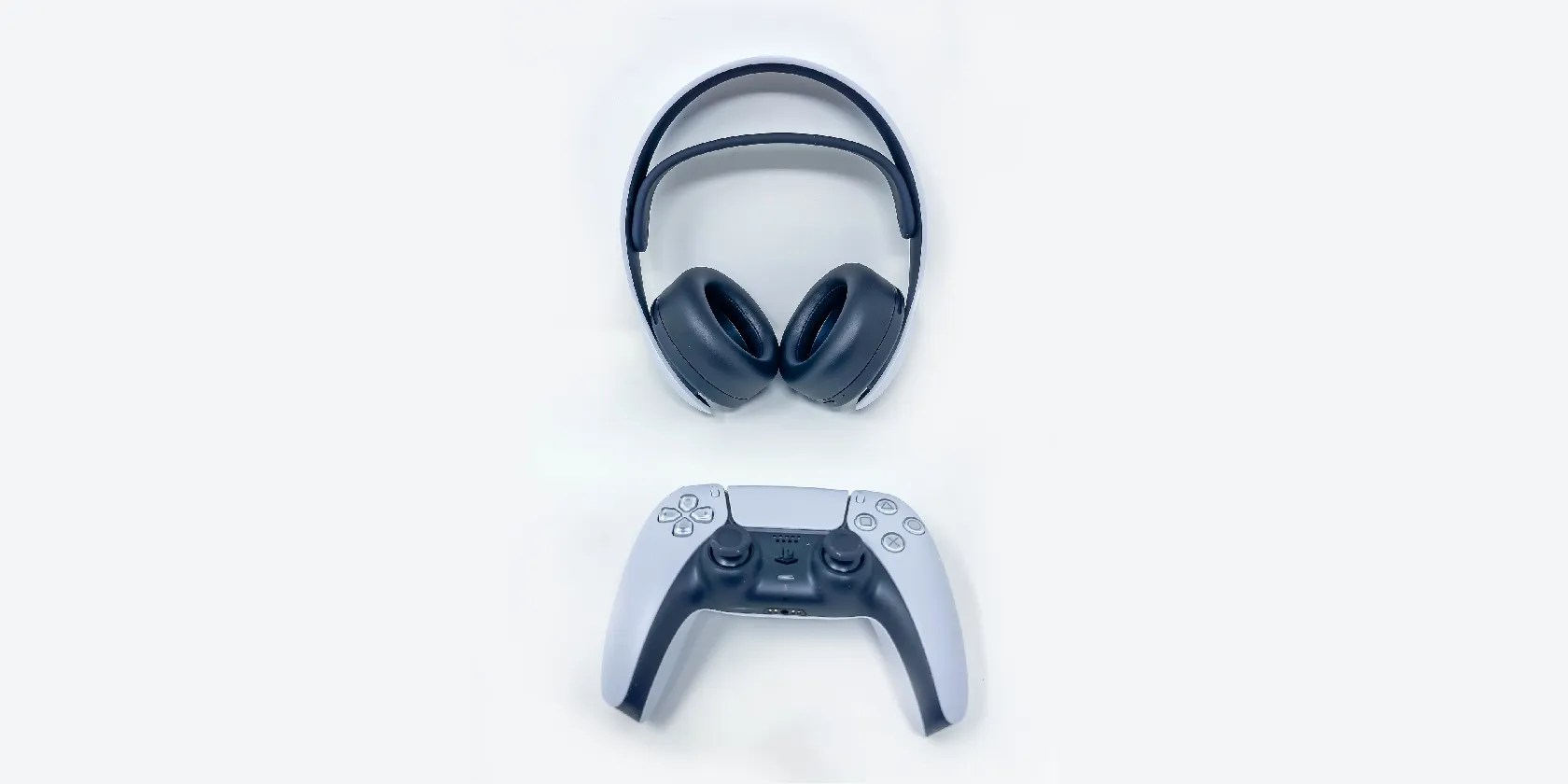
The PlayStation 5 can offer 3D Audio regardless of the audio device you use. The chipset for processing the audio is already inside your console, therefore any pair of quality headphones can convey the 3D Audio experience.
Immerse Yourself With PS5 3D Audio
Brilliant visuals surely play a role in making a video game immersive. However, video games can become even further immersive with the PlayStation 5’s 3D Audio.
Thanks to the Tempest Engine, PlayStation’s 3D Audio does a great job at simulating spatial audio. you’re able to activate 3D Audio on your PlayStation 5 for your headphones and your TV speakers, and now you know just how to do that. Go forth and bless your ears with 3D Audio!
There are plenty of things you can do with your PS5, but you should abstain from doing any of these things at all costs.
Who asked for these upgrades?
Not all true crime is about hacking, slashing, and gore.
You can block out the constant surveillance and restore your privacy with a few quick changes.
The best features aren’t the ones being advertised.
Goodbye sending links via other apps.
