How to Verify That Your iPhone Is Genuine and Unused
Due to the massive demand for Apple products, counterfeit iPhones have become more common. Directly purchasing a brand-new iPhone from Apple carries no risks, but it’s possible to get ripped off when buying a used iPhone from an unknown seller. Therefore, it is essential to verify the authenticity of your device.
Sign up forfree
Forgot your password?
Create an account
*Required: 8 chars, 1 capital letter, 1 number
By continuing, you agree to thePrivacy PolicyandTerms of Use.You also agree to receive our newsletters, you can opt-out any time.

How to Distinguish Between Real and Fake iPhones
Original iPhones come with a unique serial number, a code that stores information about when and inwhich country the iPhone was made, whether it’s new or refurbished, and more. With the help of this serial number, Apple users can check their phone’s warranty status and eligibility for additional AppleCare coverage.
Using this serial number, we can see if Apple’s database holds any information about our iPhone, which can help us determine its authenticity. The output in this check comes directly from Apple, which makes this method more reliable for verifying the authenticity of an iPhone.
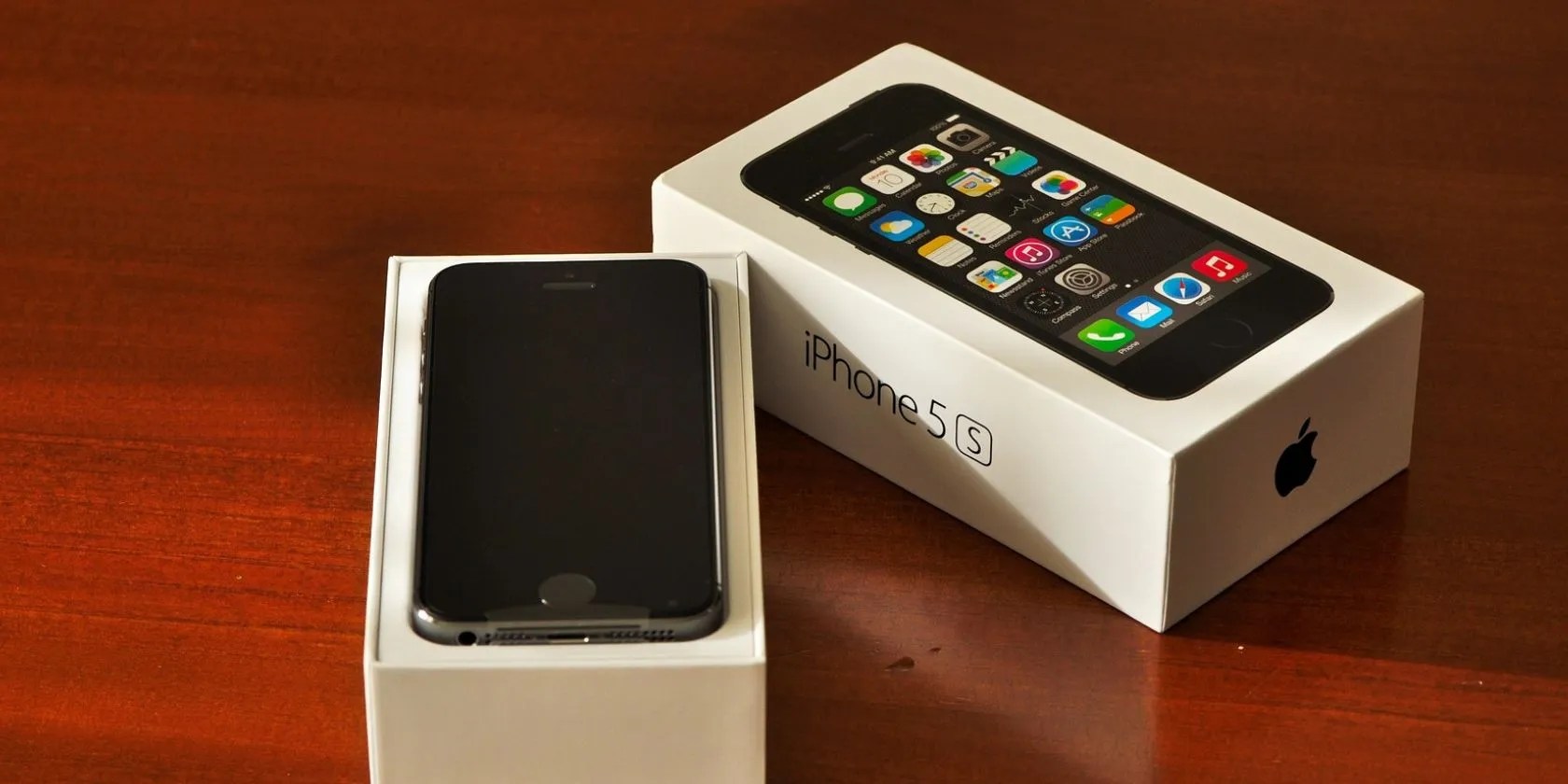
To verify the authenticity of your iPhone, you need to find your device’s serial number, so let’s begin with that. Tofind your iPhone’s serial number, go to your iPhone’sSettingsand navigate toGeneral > About. Here, you’ll find the serial number of your iPhone. Upon seeing it, long-press on the serial number and tapCopy.
Once you’ve copied the serial number, visitApple’s device coverage pageand paste it into the serial number search box. After that, enter the verification code and tap onSubmit. Then, wait a few seconds for Apple to pull up the record for your iPhone from its database.

See the model and purchase date displayed on the screen and compare them to yours. If both credentials are accurate, your device is genuine. However, if Apple says it has no information for a device with this serial number, it’s probably a counterfeit. This is how you can tell if your device is an authentic Apple device or a counterfeit one.
If the device proves genuine, you should investigate whether it is brand new, primarily if it is being sold as an unused unit. This raises the question: how can you tell whether your iPhone is brand new, refurbished, or pre-owned?

How to Check Whether Your iPhone Is Brand New or Used
The data we acquired from the coverage check is sufficient for us to determine whether our device is pre-owned or brand-new. Look closely at the purchase date of your phone. If the date of purchase matches the day you bought and activated your device, it’s brand new.
If the date differs, or you don’t remember when you activated your phone, check when your device’s limited warranty expires. Apple generally gives a one-year warranty from the date of purchase, which can help us determine how old our phone is.

While you can check the warranty details from the same coverage report, you can check it directly through your phone if it doesn’t show any information about the warranty. OpenSettingsand navigate to theGeneralsection. Then, tap onAbout. Here, you’ll see one of two options:Limited WarrantyorCoverage Expired.
The limited warranty option indicates your device is still under warranty. Tap on it to see when the warranty expires. If the warranty is about to expire in a few months despite purchasing the phone just a few days ago, that suggests the device was activated long before you bought it.
In contrast, if you see the coverage expired option, your device is likely older than a year, which indicates it is clearly not brand new.
you could find out more about whether your phone was brand new when it was purchased or if it was a refurbished or a replacement unit bylooking at your iPhone’s model name and number.
What to Do if Your Phone Is Counterfeit or Pre-Owned
If your iPhone is original and brand new, that’s great; you can start using it normally. However, if the device turns out to be fake or a used one sold to you as brand new, request a refund from the seller. If the purchase wasn’t refundable, ask the seller to at least replace the fake copy with an original iPhone.
If you purchased the device from a random seller on a marketplace and the purchase was non-refundable or replaceable, report the seller’s listing to marketplace support. It will help the marketplace remove the listing and prevent the broader community from purchasing a counterfeit product from the same fraudulent seller.
Apple also has a dedicated team to take down listings selling counterfeit Apple products. Therefore, besides reporting the listing on the marketplace, you should report it to Apple too. To file such a report, head toApple’s counterfeit prevention page, fill out the form, and submit it.
How to Avoid Being Scammed While Buying an iPhone
To steer clear of being scammed when purchasing an iPhone or any other Apple product, keep these tips in mind:
Besides these essential checks, you should also consider manyother things when buying a used iPhone.
Don’t trust the serial number on the box of a used iPhone; always check it from your iPhone’s settings. That’s because fraudsters can ship a fake iPhone in an original iPhone box. If you use that serial number for authenticity verification, the device may appear genuine, but it may not be. Don’t let that trick deceive you.
Save Yourself From Buying Counterfeit iPhones
Making sure that the iPhone we intend to purchase is authentic is a wise move. We’ve shown you how to check the authenticity of an iPhone in this guide.
With this knowledge, you’ll be less likely to get scammed during a purchase. Third-party retailers can give you a discounted price on an iPhone, but you sacrifice a lot when you don’t buy it directly from Apple.
For a lot of people, buying your iPhone unlocked from Apple is the best way to purchase the device. Here are the advantages of doing so.
Freeing up vital memory on Windows only takes a moment, and your computer will feel much faster once you’re done.
You don’t need to fork out for expensive hardware to run an AI on your PC.
The fix was buried in one tiny toggle.
When your rival has to bail out your assistant.
Anyone with more than a passing interest in motorsports must see these films.
