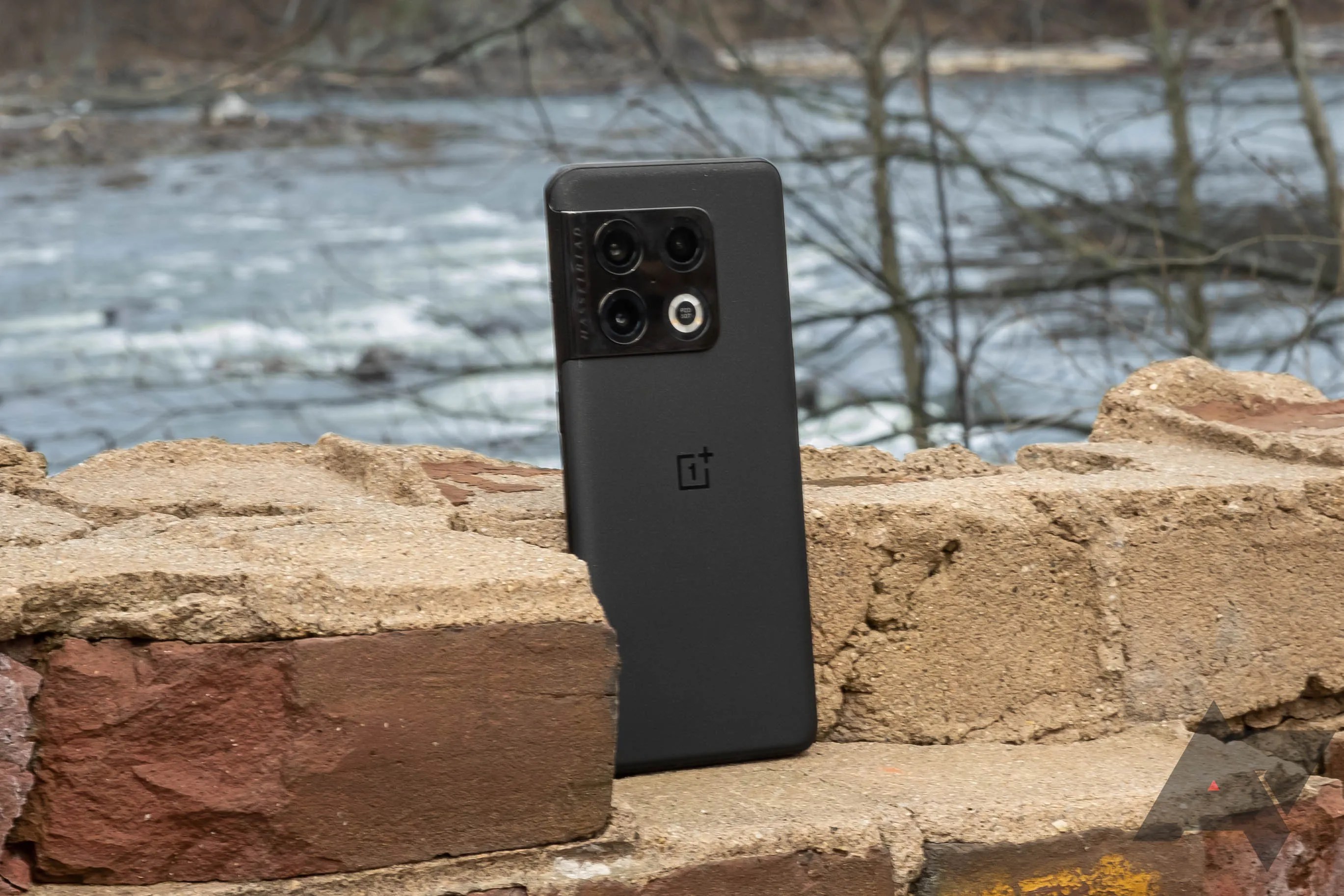
OnePlus 10 Pro gets second Android 13 Beta with bug fixes and a new ‘simple mode’
OnePlus has released the second version of its Android 13 Beta for the OnePlus 10 Pro. The changelog for the new version (alternately called both a developer preview and a beta) includes a handful of fixes and optimizations and has a list of known issues, including UI and auto-brightness wonk, “abnormal response” for screen-off quick gestures, and some minor lag and potential crashes.
The prior beta release was afrustratingly multilingual affair, with bits of the Settings menu displayed in Chinese seemingly independently of the system language settings. It’s not clear if those issues have been addressed. OnePlus also redesigned some aspects of the interface in that last beta, including some Settings menu adjustments and a tweaked power menu. A “Carousel wallpapers” feature was also spotted in Settings on the prior release, but was not yet functional.

All images viaSwejuggalo on the OnePlus Community Forums.
OnePlus’s OxygenOS and OPPO’s ColorOS have shared a codebase now for some time (regardless of how they’ve been marketed as “unified” or not), and some of the changes spotted in the prior beta, like the secure keyboard option, seem directly pulled from ColorOS.

It’s not immediately clear which of Google’s betas/previews this release is based on. The changelog for this new beta release contains the following known issues and fixes:
Known Issues

However, there more changes are lurking inside than what OnePlus has announced. According to a report by Swejuggalo on the OnePlus Community Forums, this more recent beta release also fixes issues with setting up a fingerprint unlock method, and there’s a new “simple mode” that offers larger text and app icons, louder ringtones, and a simpler settings menu, similar toSamsung’s Easy Mode.
Interested OnePlus 10 Pro owners can installthe latest Android 13 Beta, but be aware that instructions vary based on whether you’re using a North American version of the phone or not. While the version of the phone in other markets can take the new images through OnePlus’s usual sideloading method, folks in the US will need to use a specific local update app now. And keep in mind that downgrading back to Android 12 will require a wipe.

New tablets coming September 4
It’s never been cheaper
Boost Mobile sees changes, too
Change your network settings the easy way
Storage upgrades have never been so important
Strong alternatives to aging competitors
