PETG Cheatsheet: Choosing the Best Slicer Settings
PETG is becoming more and more popular for home 3D printing. It is relatively easy to print with, doesn’t release the same level of toxic chemicals as materials like ABS, and is far more durable than PLA. But what are the best settings to choose when you are 3D printing with PETG? Let’s find out.
It’s almost impossible to get exactly the right slicer settings the first time. This makes it worth experimenting with the settings you choose, slowly changing them and tuning the options until your prints look as good as possible.

What is PETG Plastic?
PETG, or polyethylene terephthalate glycol, is a common thermoplastic with unique properties. It is an adaptation of PET, the material used to make soda bottles, with glycol added to the mix to improve PETG’s strength and durability.
This material has gained a lot of popularity in the 3D printing space in recent years, as it is easy to print with while offering many of the benefits of more challenging materials. For example, PETG is less brittle than ABS and offers similar strength, while also being easier to print.
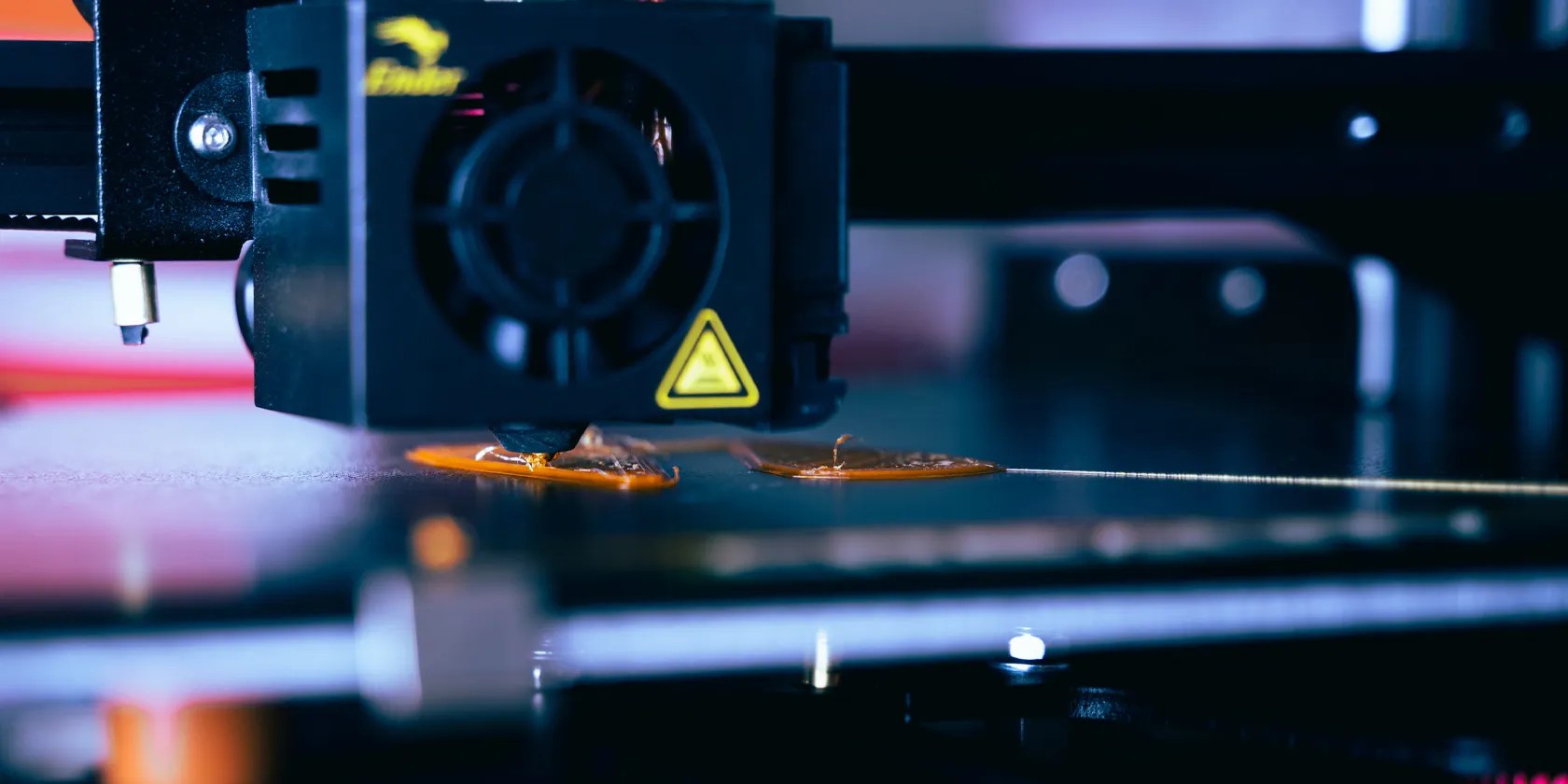
PETG is rapidly becoming one of the most popular 3D printing materials in the world, but it does come with some challenges. It’s always worthlearning about 3D printing filament typesto ensure you use the right ones for each of your prints.
PETG 3D Printing Challenges
Like any 3D printing material, PETG filament can be tricky to get right. There are a number of challenges to overcome when you first start using this type of plastic for your 3D prints.
Nozzle & Bed Temperature
PETG benefits from a hot nozzle and a warm build plate to get the best results. Keep your heated bed between70°C and 80°Cwhen printing with PETG, and avoid going above 100°C if you plan to experiment with your build plate temperature.
PETG has a higher melting point than PLA. Sticking between210°C and 250°Cis a good place to start with your PETG, though some manufacturers offer filament that prints at 260°C+. Always read the recommendations from the filament manufacturer when you first start with a new material.

Layer Height
3D printing layer height is one of the key differences between PETG and materials like PLA. A0.2mmlayer height with an initial layer height of0.12mmwill produce fine prints with PETG, though you will struggle if you go much lower. PETG also works well with relatively thick layers, and you may push up to around0.3mmwith a 0.4mm nozzle.
Movement/Print Speed
PETG is more sensitive to print speed than other 3D printer filament materials. Moving too fast will cause under-extrusion and poor layer adhesion while moving too slowly causes over-extrusion and blobs.
Sitting between30mm/s and 60mm/sfor most of your layers and using a slower speed, such as 25mm/s, for the initial layers is a good approach to take. You may have to experiment with your print speeds to get the best results.

Retraction Speed & Distance
Thanks to its stretchiness, PETG needs faster and longer retraction settings than PLA to print well. A retraction speed between40mm/s and 80mm/sis a good place to start. Alongside this, a retraction distance of4mm to 6mmworks well for Bowden set-ups, while1mm to 3mmworks best for direct drive 3D printers.
Support Type & Material
PETG is a great material, but it doesn’t do so well with supports. Thanks to the sticky nature of PETG, the great layer adhesion it provides can become a curse when you want to use supports. Printing at lower temperatures will make it easier to remove supports, but it can also pay to use a water-soluble material like PVA.
Most slicers provide control over the overhang angle and support type. An overhang angle of 0 degrees will support all overhangs, while 90 degrees will support nothing. This makes50 to 55 degreesa good place to start.

PETG 3D Print Additions
PETG doesn’t have major warping problems like ABS, and it usually adheres to the build plate no matter the surface material you are using. This means that additions are usually not needed when working with PETG.
Brims and rafts adhere very well when using PETG, and this can make it extremely difficult to remove them. Wipe towers and other nozzle-clearing additions can be worthwhile to prevent stringing and blobs.
3D Printer & Part Cooling
Unlike many other 3D printing materials, PETG filament does best without any part cooling. This ensures that the layers adhere well and prevents what little warping would occur with strong cooling. You don’t need a hot enclosure to print PETG and can leave your enclosure fans at full power if you want to.
General 3D Printer Structure (Beds & Enclosures)
3D printing with PLA and ABScomes with relatively strict machine requirements, but PETG is far more forgiving. While you need a heated bed to work with this material, you don’t need to worry about having an enclosure for your PETG 3D printing.
Most modern build surfaces work well with PETG, thanks to its strong layer adhesion. Glass works particularly well with this type of filament, though, providing smooth-bottomed prints and easy removal at the end of each project.
3D Print With PETG
PETG is a great 3D printer filament option. Not only is it just as affordable as PLA and ABS, but it is also strong, semi-flexible, and chemical resistant. This makes it ideal for use indoors and outdoors, and it can even be useful for items that have to come into contact with food. It’s always worth taking the time to learn about 3D printer filaments before you use them at home.
There’s more to 3D printing failures than poor slicer settings. We explain how bad filament handling practices can ruin your 3D prints.
The fix was buried in one tiny toggle.
Unlock a world of entertainment possibilities with this clever TV hack.
Your phone’s camera app doesn’t show this, so it’s easy to miss.
These are the best free movies I found on Tubi, but there are heaps more for you to search through.
You’re not getting the most out of what you pay for iCloud+.
