The Ultimate List of Apps for Tracking All Your Healthy Habits
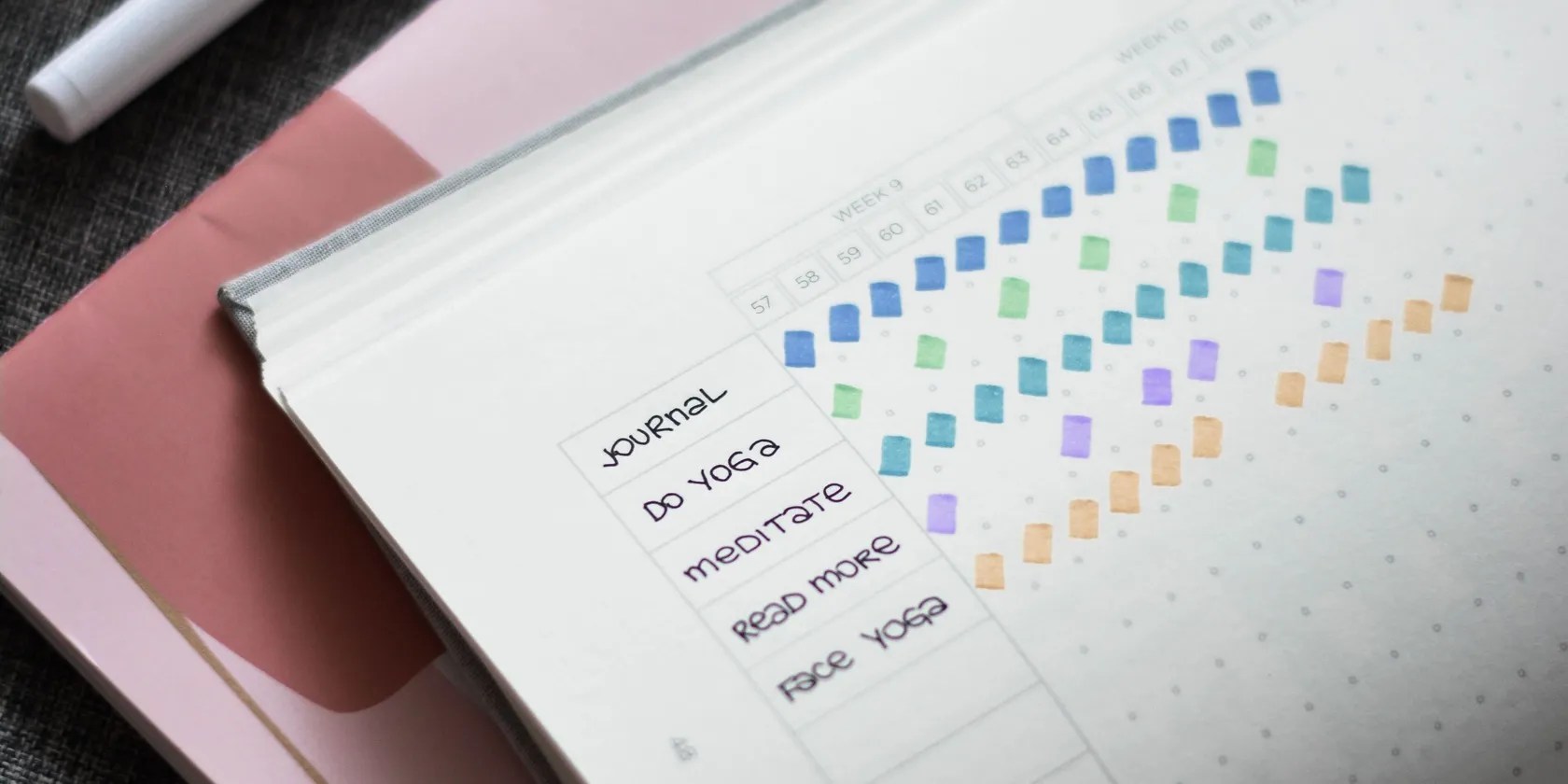
The reason why many people fail at making their healthy habits stick is because of one key factor—they don’t use a habit tracker. Habit tracking is crucial. It can make it easier to achieve your goals and keep you motivated to stay on track by recording your progress. If you want to take up a new habit and boost your overall wellness, these are some of the best apps to track your sleep, exercise, diet, and mindfulness habits.
Sleep Habits
Getting enough sleep is essential for your health. Keeping track of your sleep is beneficial as it can help you understand your sleep patterns and change them for the better. Below are some of the best sleep tracker apps to use in your bedroom toget a good night’s rest.
1.Sleep Cycle
Sleep Cycle is one of thebest sleep tracker appsaround because of its incredible features, such as a smart alarm clock, sound recorder, and library of sleep sounds, music, and stories. Every morning the Sleep Cycle app provides you with a sleep analysis which includes recordings of sounds during the night, a graph of your sleep states, and statistics of your general sleep quality and regularity.
Download:Sleep Cycle foriOS|Android(Free, subscription available)

2.Sleep Monitor
Easy-to-use, simple, and straightforward, Sleep Monitor is the ideal sleep-tracking app to stay on top of your sleep habits. The app records all your sleep data, from your stay-up and stay-in time to your sleep debt and surplus. Moreover, the app even lets you add certain factors that could influence your sleep such as alcohol, caffeine, and stress.
Download:Sleep Monitor foriOS|Android(Free, subscription available)
3.BetterSleep
If you want to transform your bedroom into a nighttime paradise then theBetterSleep appis for you. The app boasts a vast selection of sleep content like sounds and music to make your own mixes as well as stories, meditations, sleep moves, and breathing exercises. In addition, BetterSleep’s sleep tracking feature allows you to keep a handy record of your sleep quality, sleep phases, and sleep recordings.
Download:BetterSleep foriOS|Android(Free, subscription available)

Exercise Habits
Whether you want to lose weight, gain muscle, or simply remain healthy, tracking your exercise progress is the best way to stay accountable and motivated. These are a couple of great fitness tracker apps that can make recording your workout progress easier and less tedious.
Whether you’re tracking your workouts at home or in the gym, Fitplan is an awesome all-inclusive fitness app to have on hand. Fitplan features plenty of step-by-step fitness plans that it’s possible to filter through based on your fitness level, focus area, and training type. The best part is that you can actively follow your exercise progress on the workout calendar, view upcoming workouts, and even set a workout reminder.

Download:Fitplan foriOS|Android(Free, subscription available)
Hevy is a workout tracker and plannerapp to boost your muscle gains. It is adapted more for those who love strength workouts and weightlifting. You can use the app to easily create your own workouts and log specific exercises, weights, reps, sets, and the overall workout duration. In addition, Hevy allows you to track your workout statistics over a different period of time such as a week, 12 weeks, or a year.

Download:Hevy foriOS|Android(Free, subscription available)
Strava is an excellent fitness-tracking app if you’re someone who enjoys walking, jogging, hiking, or cycling. The app connects to your device’s location, so it can use your GPS to record your exercise in real time. When you’re done, you can then view the statistics of your workout sessions like distance, time, kilometers, and elevation for the week.
Download:Strava foriOS|Android(Free, subscription available)
Mindfulness Habit
Mindfulness can improve your well-being by reducing stress, anxiety, and depression. That’s why it’s so important to make a habit out of mindfulness exercises like meditation and deep breathing. To stay on top of any new mindfulness habits you have, use the mobile apps mentioned below.
Calm is a popular mindfulness app featuringguided meditation sessions, sleep stories, soundscapes, music, breathing exercises, and more. Plus, Calm makes it effortless to start a mindfulness habit with itsStart A Daily Habitoption. This feature helps if you need a little guidance in building a habit of daily meditation, movement, or wisdom.
Download:Calm foriOS|Android(Free, subscription available)
2.Insight Timer
Do you want to build and track a mindfulness routine be it guided meditation, yoga, sleep, journaling, breathwork, or courses? Insight Timer is an amazing app with free content for everyone, no matter your level of experience or interests. What’s more, it’s easy to keep track of your daily moods, progress over time, important milestones, and ongoing courses.
Download:Insight Timer foriOS|Android(Free, subscription available)
3.Smiling Mind
Daily mindfulness and meditation exercises can hugely improve your life, which makes them super important habits to track. Programs in the Smiling Mind app are perfect for adults, kids, families, students, and colleagues. To ensure you make a routine of practicing mindfulness, the Smiling Mind app lets you set daily reminders at your chosen time. Moreover, it tracks your first 10 completed meditation sessions to motivate you to keep going.
Download:Smiling Mind foriOS|Android(Free)
Healthy Diet
There are tons of benefits to tracking your diet. But most importantly, it can help you better understand your eating habits and whether they’re healthy or not. And if you’re looking to lose weight, food tracking is one of the best ways to do so. Below are a handful of the best diet tracker apps to use when you need help staying on top of your diet goals.
There arepros and cons of calorie counting apps, yet the MyPlate app has some notably beneficial features: a massive food database, a barcode scanner, and support from a community of like-minded people. MyPlate gives you the option to add daily reminders for one of your daily meals or all of them. Additionally, you may set daily reminders to log your weight and your water intake.
Download:MyPlate foriOS|Android(Free, subscription available)
2.Cronometer
Like MyPlate, Cronometer is a calorie-counting app that you can use to keep an extensive diary of your daily food, biometrics, and exercise. With Cronometer, you can set targets for yourself, whether they’re for your energy consumption for the day or your macronutrients. What’s more, the dashboard gives you more insight into your calories consumed and burned along with your continuous streak.
Download:Cronometer foriOS|Android(Free, subscription available)
3.Plant Nanny
Plant Nanny makes it fun to track how much water you drink. What makes Plant Nanny so unique and enjoyable are the adorable virtual plants. for look after your plant, you need to look after yourself and drink water regularly. So, the more water you drink, the better hydrated your little plant will be. Plant Nanny easily tracks your daily water intake in percentages and milliliters, and it’s possible to also set custom reminders to make sure you and your plants never go thirsty.
Download:Plant Nanny foriOS|Android(Free, subscription available)
Use a Habit Tracker to Change Your Life for the Better
It’s easy to say you want to start a healthy habit, but it’s tough to actually stick to that habit. Unless you have an effective way to see your progress and feedback, chances are you won’t be able to build any good habits for the long haul. Use one of these habit trackers to help you keep a record of all your healthy habits and see proof of your hard work!
If you want to increase your IQ, these simple healthy habits can really make you smarter.
Turn these settings on, and your iPhone will be so much better than before.
You don’t need to fork out for expensive hardware to run an AI on your PC.
My iPhone does it all, but I still need my dumb phone.
Windows is great, but adding this makes it unstoppable.
Some subscriptions are worth the recurring cost, but not these ones.
