What Is Adobe Express Beta, and What Can You Do With It?
Adobe Express is one of many Adobe apps that allow you to bring your creativity to the screen with minimal effort. Adobe Express can typically be accessed as an app or by browser, but what about Adobe Express Beta?
Sign up forfree
Forgot your password?
Create an account
*Required: 8 chars, 1 capital letter, 1 number
By continuing, you agree to thePrivacy PolicyandTerms of Use.You also agree to receive our newsletters, you can opt-out any time.

What Is Adobe Express Beta?
Much likePhotoshop Beta for Photoshop, Adobe Express Beta is a testing model for new features in Adobe Express. Before we jump into theAdobe Express Beta announcement in June 2023, first, let’s discuss what Adobe Express is.
Adobe Express is a combination of many Creative Cloud software. It has features found in Photoshop—like background removal and photo editing tools—and Illustrator, where you could easily add vector graphics and text. It also likens to InDesign since you can use it for layout design projects. Overall,Adobe Express is similar to Canva, and you can create many similar types of designs with this Adobe program.
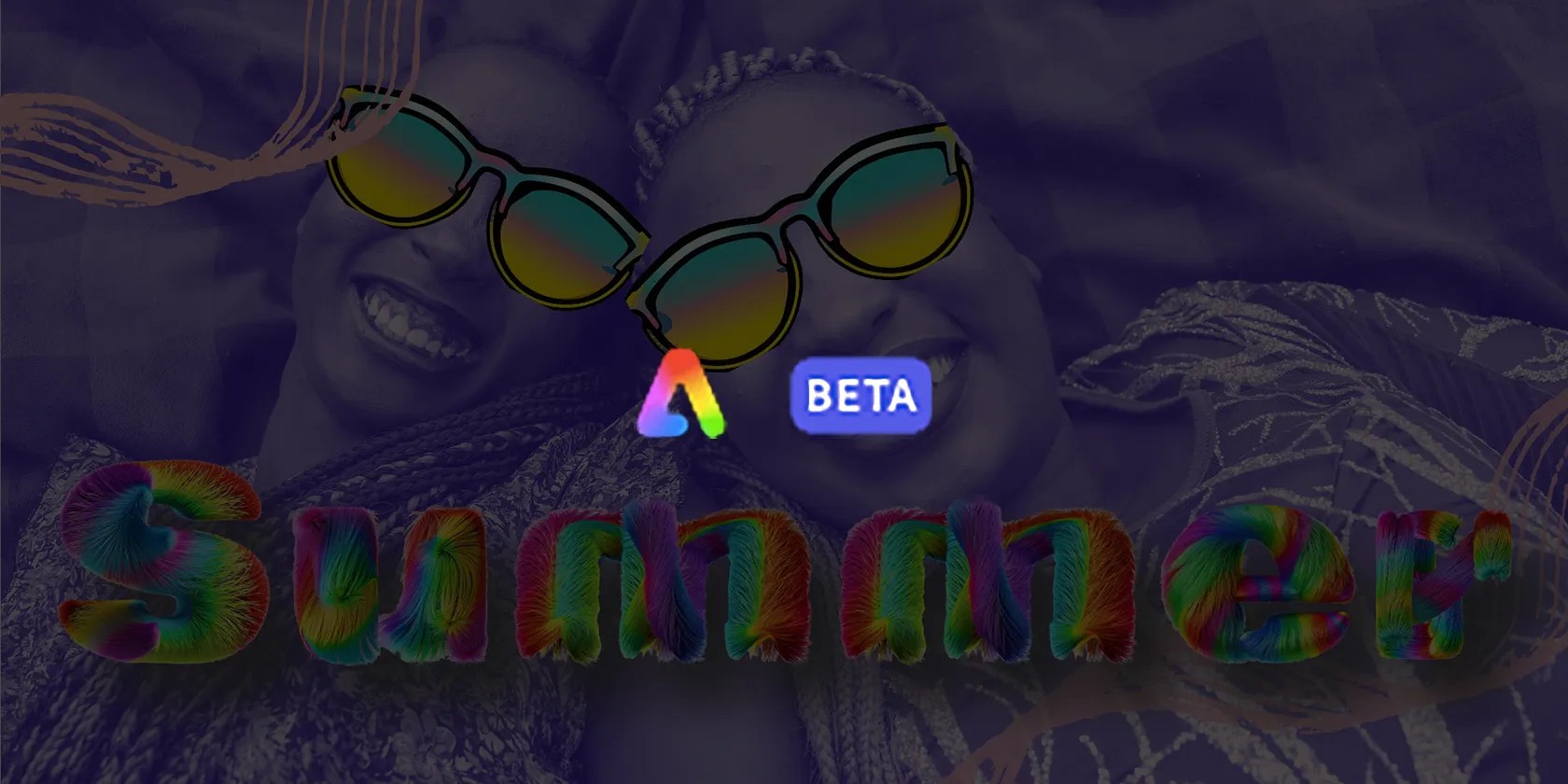
Adobe Express Beta is the testing model for Adobe Express. You can test new features and give feedback to Adobe on your opinions of the results. There’s also a Discord to report feedback or chat with the community.
How to Access Adobe Express Beta
Anyone who is already a Creative Cloud subscriber is likely to be invited via email; although not all these emails are sent out at once. You must already be an Adobe customer to access Adobe Express Beta. You can join the beta for free if you’re a Creative Cloud user.
The full version ofAdobe Expressis available for free or with a premium subscription of $9.99 per month for extra features.

Adobe Express Beta is only available via desktop through the browser. Follow the link from the email invite Adobe sent you to open the program in your chosen internet browser. Not all browsers are compatible, such as Safari in certain versions.
What AI Features Are Available in Adobe Express Beta?
With theintroduction of Adobe Firefly in March 2023, Adobe announced a plethora of AI features to be expected in software across the board. Some of the already-announced Firefly features and tools have been integrated into Adobe Express Beta.
3D Text Effects
You can create 3D text effects in Adobe Express Beta that you can easily add to any of your designs. See our list ofAdobe Firefly text effect promptsto inspire yourself for Express designs. Unlike the Firefly standalone Text Effects feature, this integrated version allows you to instantly add the results to a live design.
You can easily edit your text effects, add shadows, change the font, or even add animation. You can layer the text effects with other design elements to integrate your text into your final design.

Text-to-Image Generator
Adobe Firefly’s text-to-image tool is also an integrated tool for the Adobe Express Beta. Using a text prompt, you can create almost anything you can imagine for your designs, such as vector graphics, photographic elements, or anything in any artistic style. You don’t have to slave away to create them.
With the AI text-to-image generator, it’s possible to also use the background removal tool, opacity levels, rotate and resize options, and lots more. This isn’t only an AI generator, it’s an art tool.

What Else Can Adobe Express Beta Do?
Link your Photoshop and Illustrator projects together with Adobe Express Beta. You can access any linked Creative Cloud assets for a smoother transition when designing.
Adobe Express Beta has options for team collaboration. Have your team members, clients, or peers collaborate directly in the design. This takes ourtips for successful collaboration projectsto the next level. There are no communication issues when everyone’s on the same page—literally.
There’s also a Color Theme page, which can help keep your designs on brand with your team. This isn’t quite as comprehensive as thebrand kits available with Microsoft Designer or Canva, but it’s a step in the right direction.
There’s also access to a media gallery of photos, graphics, video, and audio—you’re able to animate your designs easily too. Of course, Adobe Express is known for its template library and offers template options such as Instagram Reels and post sizes, YouTube videos and thumbnails, Facebook posts, posters, infographics, resumes, presentations, and so much more.
Along with everything offered natively by Adobe Express, you can also access add-ons that work like plugins. There are many external add-ons you can use such as Dropbox, Spacefill, Color Blindness Simulator, and more. This helps make accessible design for anyone you need to create for.
The Future of Adobe Express Is Here
This beta version of Adobe Express only adds excitement to what’s to come in the full version. Adobe has added many new tools and features since the beginning of 2023, and this update has combined many of those tools into one program. Make your social feeds shine with AI technology, fruitful template libraries, and all the power of Adobe Express.
Adobe Firefly might make it seem like we’re living in the future, but its image-generation capabilities don’t come without limitations.
Don’t let someone else take over your phone number.
OneDrive is one of the best, but it has a catch.
It’s not super flashy, but it can help to keep your computer up and running.
The fix was buried in one tiny toggle.
Some subscriptions are worth the recurring cost, but not these ones.
