What Is Tesla’s Valet Mode, and How Does It Keep Your Vehicle Secure?
Teslas are equipped with a plethora of useful tech features that make your life easier and safer. One of these cool features is Valet Mode, which is available across Tesla’s vehicle lineup and protects your vehicle (as well as your belongings) while your car is being driven by a valet driver.
Handing over your car to a stranger might be nerve-racking for some, but with Tesla’s Valet Mode, you don’t have to worry about your personal information being compromised while someone else drives.

Let’s explore what Valet Mode is and how it keeps your Tesla safe!
What Is Tesla’s Valet Mode?
Valet Mode is a Tesla driver profile that allows you to set certain restrictions whenever a valet will be driving your vehicle. Tesla’s driver profiles allow each driver to have their own customized parameters saved, so each individual can have their preferred seat, mirror, and climate control settings easily available.
Valet Mode works just like any other driver profile, but instead of adjusting things like the seats or mirrors, it imposes restrictions, like keeping the glovebox and front trunk closed at all times. Valet Mode is a very useful tool that helps you protect your privacy (and your vehicle) while you’re enjoying a night out.

How Does Valet Mode Keep Your Tesla Secure?
Valet Mode does many useful things to keep your Tesla safe, so let’s go through some of the most important ones.
to drive your car while it is in Valet Mode, you must use the Tesla key card, and the vehicle’s maximum speed is limited to 70 mph. This ensures that the valet won’t take your Tesla drag racing while you’re away, especially if you own asuper-fast Model S Plaid. Power and acceleration are also limited while in Valet Mode in order to protect your vehicle.
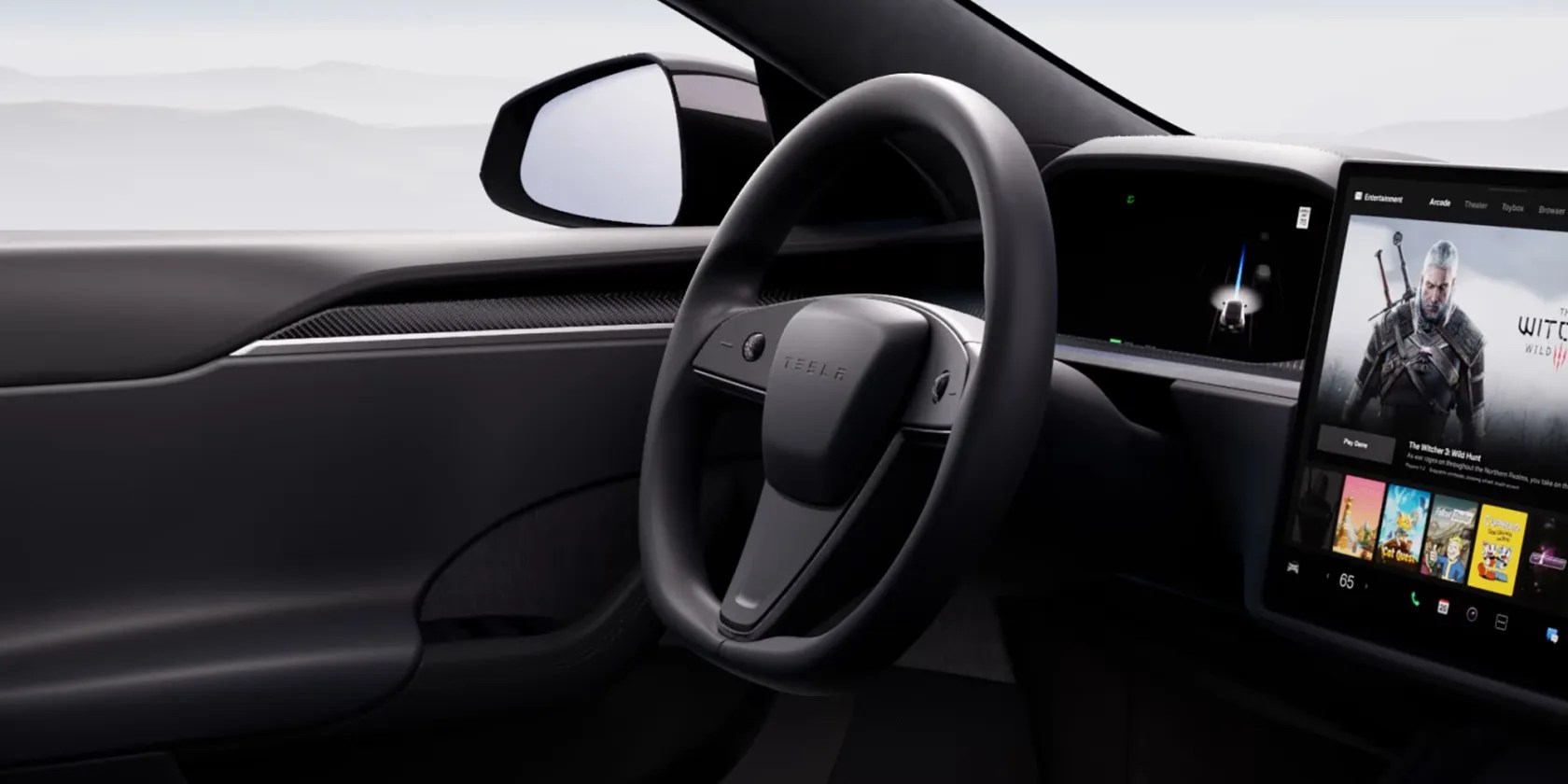
Valet Mode also imposes security measures to keep your information private. It hides your home and work locations from the navigation system, which is something many people wouldn’t think about, but Tesla ensures this sensitive information is safe regardless. Voice commands are disabled too.
Finally, Valet Mode turns off Wi-Fi and Bluetooth, so it’s impossible to pair new devices. It also makes HomeLink inaccessible.

How Do You Activate Valet Mode?
Valet Mode is easy to activate in your Tesla. All you have to do is put your Tesla in park, navigate to the driver profiles section of the touchscreen, and select Valet Mode.
When you first access Valet Mode, the system will ask you to create a four-digit PIN in order to exit Valet Mode when you want to deactivate it. Once you enter your PIN, you’ll notice that the current driver profile changes to Valet Mode.

Valet Mode can also be controlled via the Tesla app. This doesn’t require a PIN because your identity is verified through the app.
Convenient and easy-to-use features like Valet Mode are one of the manyreasons people love their Teslas so much.
Valet Mode Is Just One of Many Awesome Tesla Security Features
Teslas are packed with convenient security features that give you peace of mind and make your Tesla ownership a worry-free experience. Alongside Sentry Mode and the cabin camera, Valet Mode is a perfect example of this.
Tesla vehicles are appreciated not only for their performance and electric range, but also for their unique safety features.
When your rival has to bail out your assistant.
Your iPhone forgets what you copy, but this shortcut makes it remember everything.
The key is not to spook your friends with over-the-top shenanigans.
Taming data is easier than it looks.
I found my TV was always listening—so I shut it down.
